1. Log in to Higher
The first time you log in to Higher, you will receive your login details from us via email. You can find the login page here. You can always go through our Higher website, but feel free to bookmark this page in your browser for easy access.
If needed, you can always click on "Forgotten password?" to request a new password.
.png?width=400&height=300&name=SEO-optimerad%20annons%20(2).png)
2. Higher Academy
We have gathered everything you need to know to get started with Higher in Higher Academy.
Here, you'll find guides, tips, and our knowledge base/FAQ where you can search for information and video instructions: Higher Academy
.png?width=600&height=338&name=HIGHER%20ACADEMY%20(1).png)
3. Publish your first job ad
Prepare your job description and a video or image that you want to use in your job ad.
Did you know that studies show we remember moving images up to 80%, while static images only 20%? We strongly recommend you to use the opportunity you have with Higher to use video. So grab your 🎬phone camera or contact us if you need help, we have more than 10 years of experience of employer branding films & filmed job ads.
[Instructions for publishing an ad🔗]
Need tips on what kind of questions to ask to get the best results? Our AI generatet questions got you covered!
🎯 Higher AI-generated questions automatically generates relevant questions for your application process based on your ad's details. You can also add specific keywords to improve accuracy. The more detailed you are, the better the will be, helping you swiftly sort through candidates.
To further refine your selection process, consider using:
- 🔗Knockout Questions: Automate rejections for candidates who don't meet basic requirements.
- 🔗Personality Tests: Assess candidates' work motivation and confidence.
- 🔗Video Questions: Allow candidates to introduce themselves via video, giving you a clearer view of their personalities and communication skills.
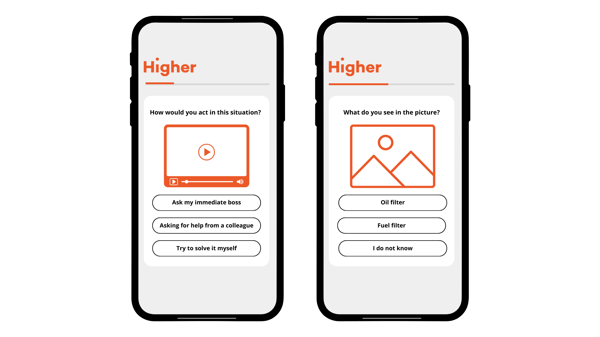
Maybe you'd like to refine the questions in your application process? Higher offers a unique opportunity to test candidates' skills, including adding videos or images to skill-based questions. This way, you'll get clear proof of whether a candidate has the required knowledge, while also making the application process more engaging and fun!
Read more about all the possibility`s you have to create unique skills questions in Higher 💡
4. Create templates
Are you satisfied with your ad and want to use it again? You can easily save the ad as a template, which will save you a lot of time in future recruitment processes!
You can also create new templates for ads, SMS, and emails.
[Read more here]
.png?width=600&height=600&name=CSM%20(1).png)
5. Customize your recruitment board to fit your unique process
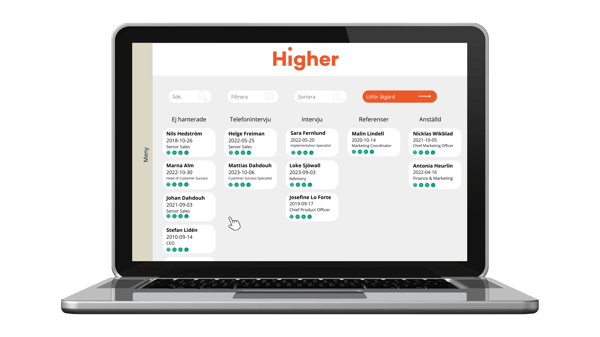
The recruitment board gives you an overview of all candidates and their current status.
All new candidates appear under the "Unhandled" column, ranked from those who best match the job requirements to the ones that matches the least. You can easily sort, filter, and search using different parameters, send individual emails/SMS, or communicate with multiple candidates at once.
Using the "Take Action" button, you can quickly change employment status, send SMS/emails, request CVs, or hide selected candidates.
If you want to streamline your communication and candidate management and save even more administrative time, you can customize your recruitment board with automatic communication. This allows emails or SMS to be sent automatically when you move candidates to a specific column.
Users with HR access in Higher can add automatic triggers on the recruitment board.
[Read more about the recruitment board and how to adjust your settings here!]
TIP!
Tags can help you sort candidates without needing additional columns.
[Click here to learn more about tags.]
A good rule of thumb: only create a new column if a significant portion of candidates will be placed in it.
6. Manage candidates
Often, questions arise when you publish your first ad:
- How do comments work? Who can see them?
- Where can I find the emails sent on candidate profiles?
- How do I send emails/SMS to multiple candidates simultaneously?
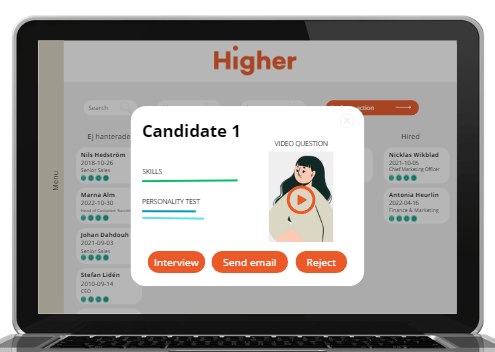
Here’s a brief summary of what information is available on candidate profiles and how to efficiently manage and communicate with your candidates in Higher.
7. Advertising platforms & your KPIs
Wondering which ad platform is best for reaching your target audience? Which platforms should you choose?
We know it can be challenging to select the right advertising platforms, so feel free to book a meeting, our advisors will give you insights on where different target groups are, how to best reach them, the various platforms available, and what sets them apart.
Support@higher.nu
Under the "KPI & Statistics" tab, you can see how many irrelevant candidates you filter out with your knockout questions, how many candidates apply via mobile, which ad platforms are most successful for you and many other valuable metrics.
[Learn more about the valuable insights you can gain from Higher's KPI & Statistics.]

8. Add new users and units
A unit can, for example, be a department or cost center.
When adding users, you must also decide which access level they should have:
-
HR: Full access. Can manage all system settings and decide which users should have access to candidates from spontaneous applications.
-
Recruiter: Access to one unit and the ability to publish job ads based on pre-made templates.
-
Regional Manager: Access to multiple units and the ability to create templates.
.png?width=600&height=600&name=CSM%20(2).png)
9. Design your career page
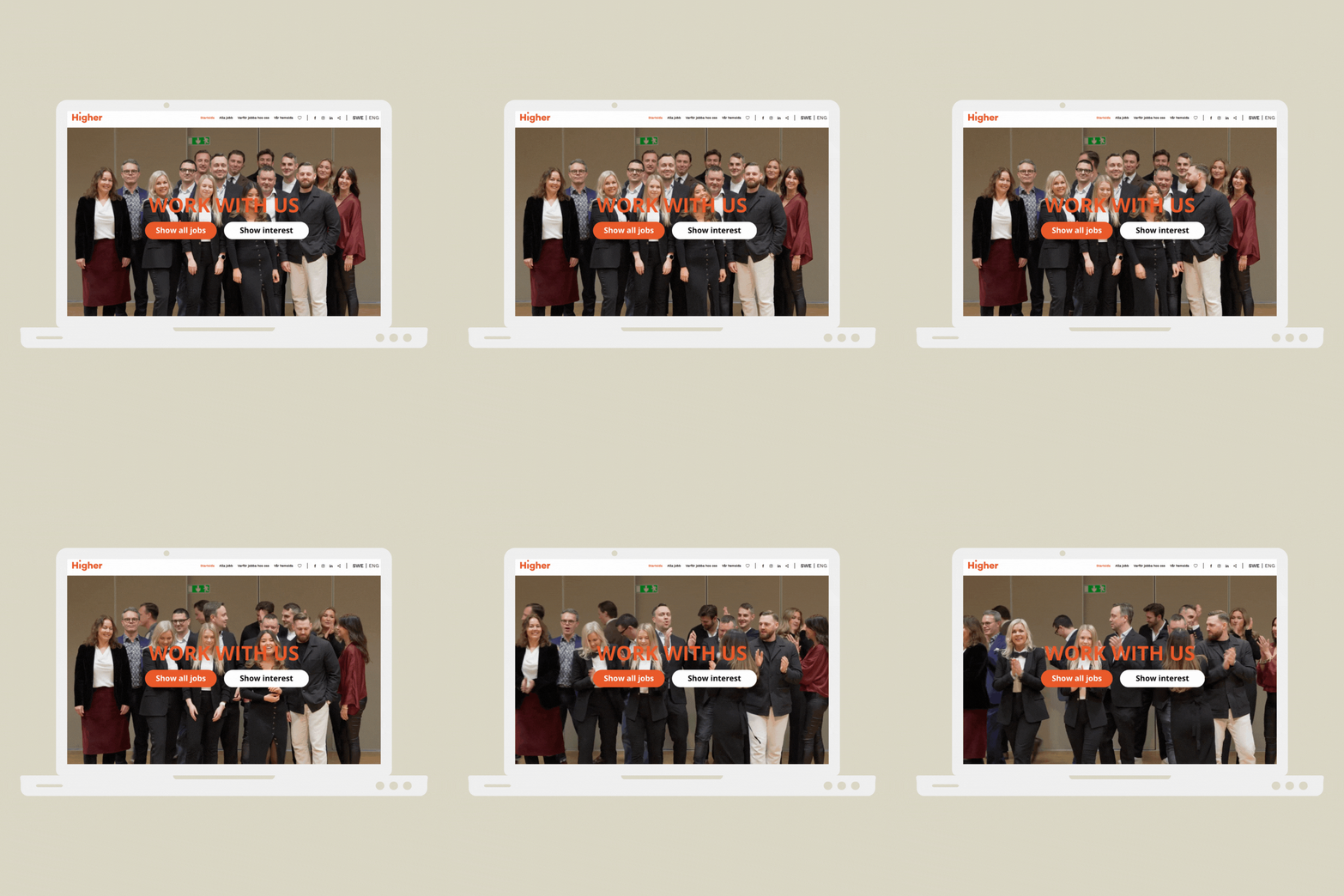
Here are some tips for those who want to work on your employer brand and attract more candidates for future job openings. A good start is to make sure your career page is truly impressive!
A career page should showcase what it's like to work at your company and include information about the organization, potential career paths, workplace culture, and core values.
The purpose of the career page is to help someone decide if your company is an appealing place to work based on their own values and vision.
[Read more about our great tips for building an awesome career page.]
10. Connect your career page to your website
Don't forget to link your career page to your website so visitors easily can find your open positions. If you need help finding the link, click here.
You can also add links to your social media and website on the career page under Company Information.
11. Activate “Show Interest”
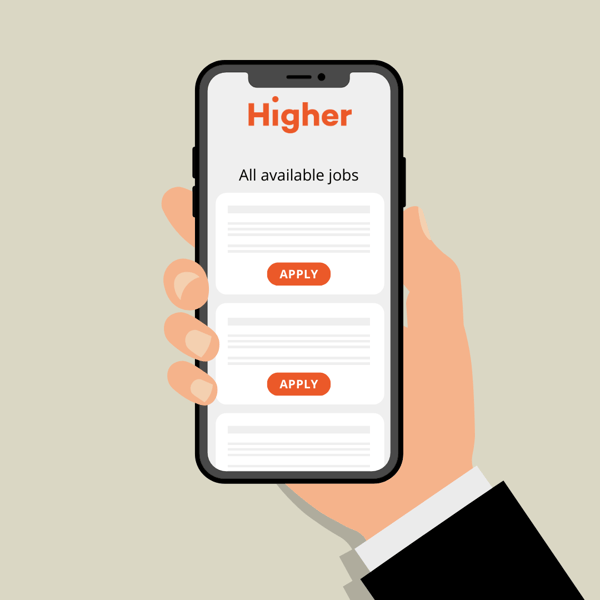
Allow candidates interested in your company to express their interest even when you don’t have any open positions by using the spontaneous application feature.
With skill- and videobased questions, you’ll get a good understanding and clear picture of the candidates. By using tags, you can easily sort and filter through spontaneous applications.
Tip: Many of our clients have found their top candidates by reviewing the "Show Interest" applications before publishing a new ad. This can save you a great deal of time in the recruitment process.
Don't forget to set a reminder to send updates to these candidates to ensure you have their latest information. This feature can be found under Company Information.
%20BLOGG%20Employer%20branding%20b%C3%B6rjar%20med%20att%20attrahera%20r%C3%A4tt%20kandidater-1.png?width=600&height=600&name=(eng)%20BLOGG%20Employer%20branding%20b%C3%B6rjar%20med%20att%20attrahera%20r%C3%A4tt%20kandidater-1.png)
12. Use QR Codes
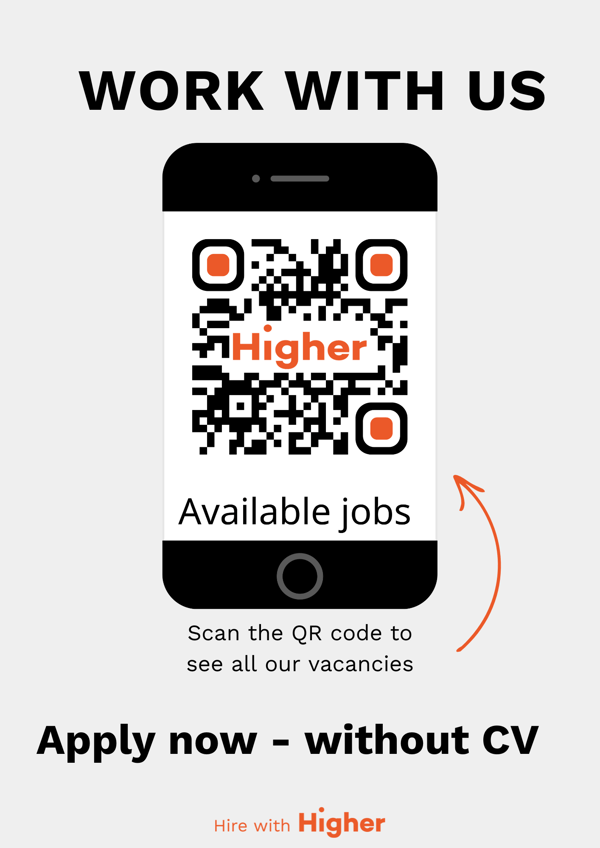
Utilize QR codes to simplify the recruitment process by letting candidates scan and apply quick and easy. This helps you convert more candidates, saves time, and creates a smoother experience for both recruiters and applicants.
Be creative and think about where you could place a QR code to make it as accessible as possible! Maybe in your store window, at checkout, or on your company vehicle—the possibilities are endless!
Download our onboarding guide
.png?width=600&height=600&name=CSM%20(3).png)